
AllDaysOn
Mark your days with emoji
My take on a habit tracker. It started with marking days with emoji, and then I got a little carried away.

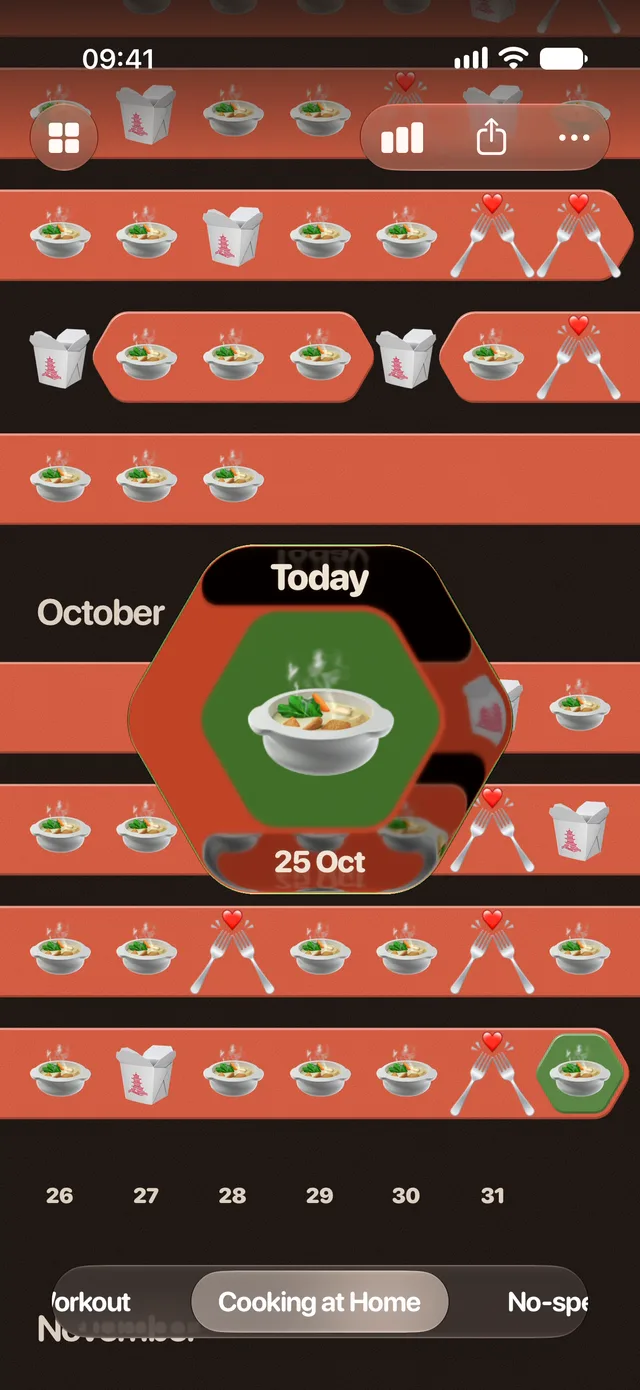
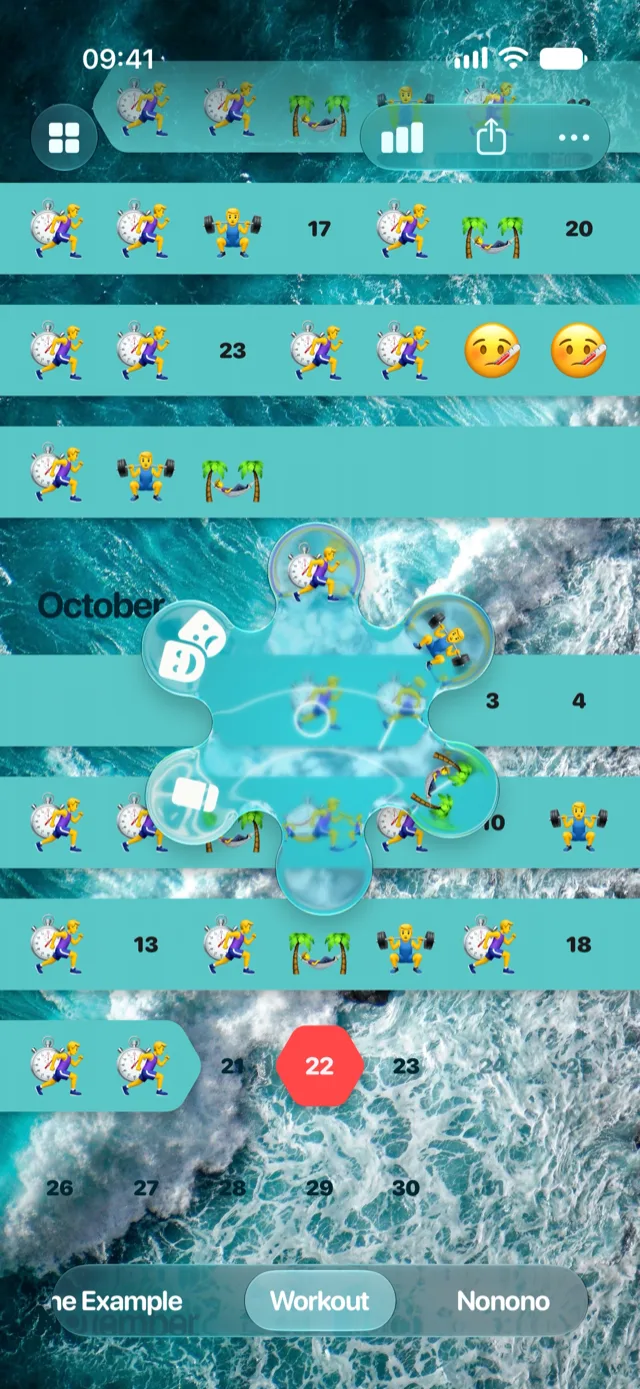
Long Press
Hold a day, pick an emoji, build a streak
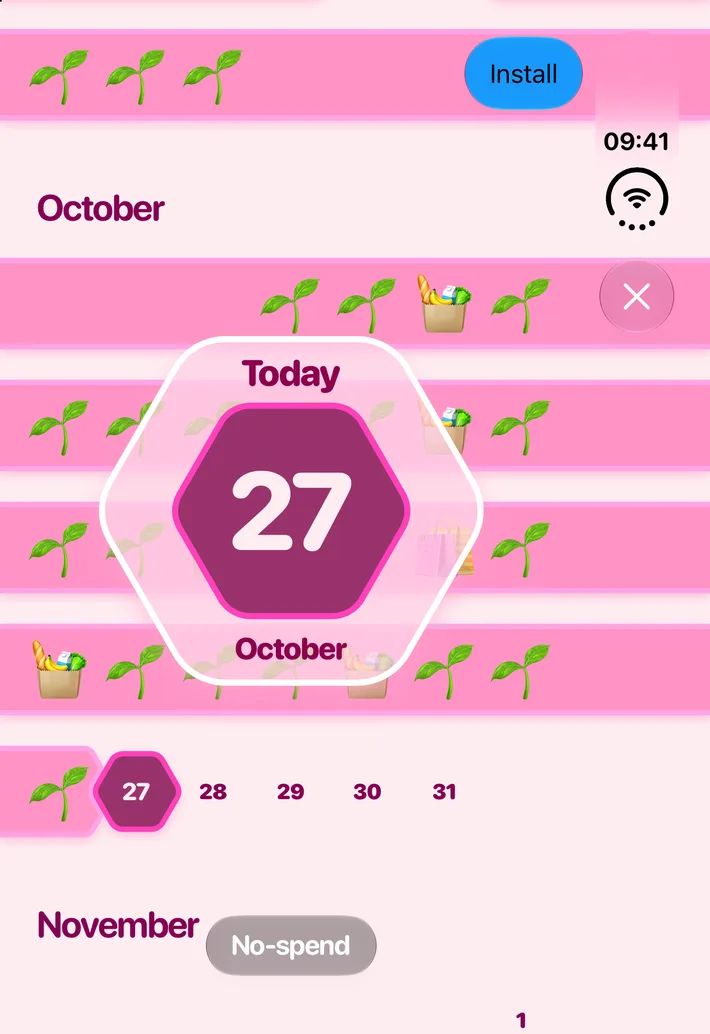
Press and hold a day and a dial blooms under your finger, with your emoji on its petals. Rotate the dial to the emoji you want, let go, and the day is marked.
Swipe the dial to get to the days around it. Changed your mind? Just hold the day again.
Any emoji or Genmoji will do. You can also swap an emoji's look for an image of your own (yes, even an animated GIF).
Streak
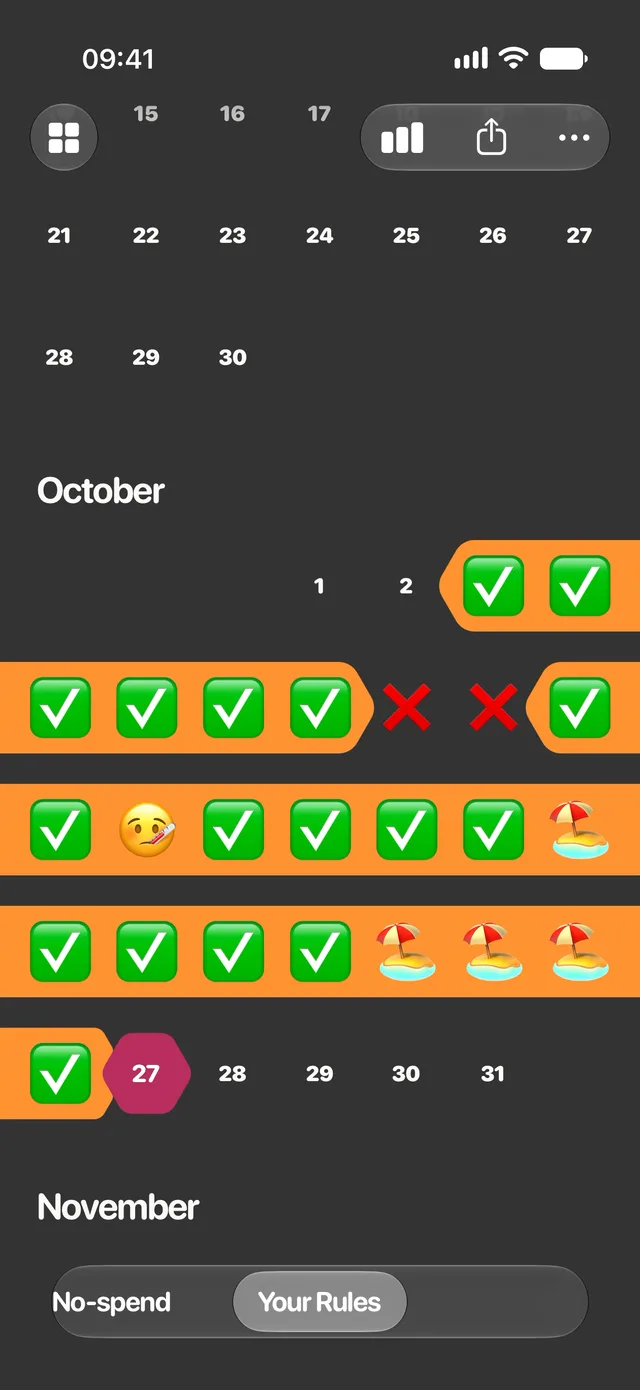
Your streak, your rules
Every emoji gets a say in your streak. Pick which days count and how many days in a row a streak can go without a mark.
- Keeps Counts as a marked day
- Miss Uses up one day of the gap allowance
- Ignored The day doesn't exist for the streak
- Breaks Ends the streak
You can give an emoji a limited number of uses a month, and let a long streak earn more.
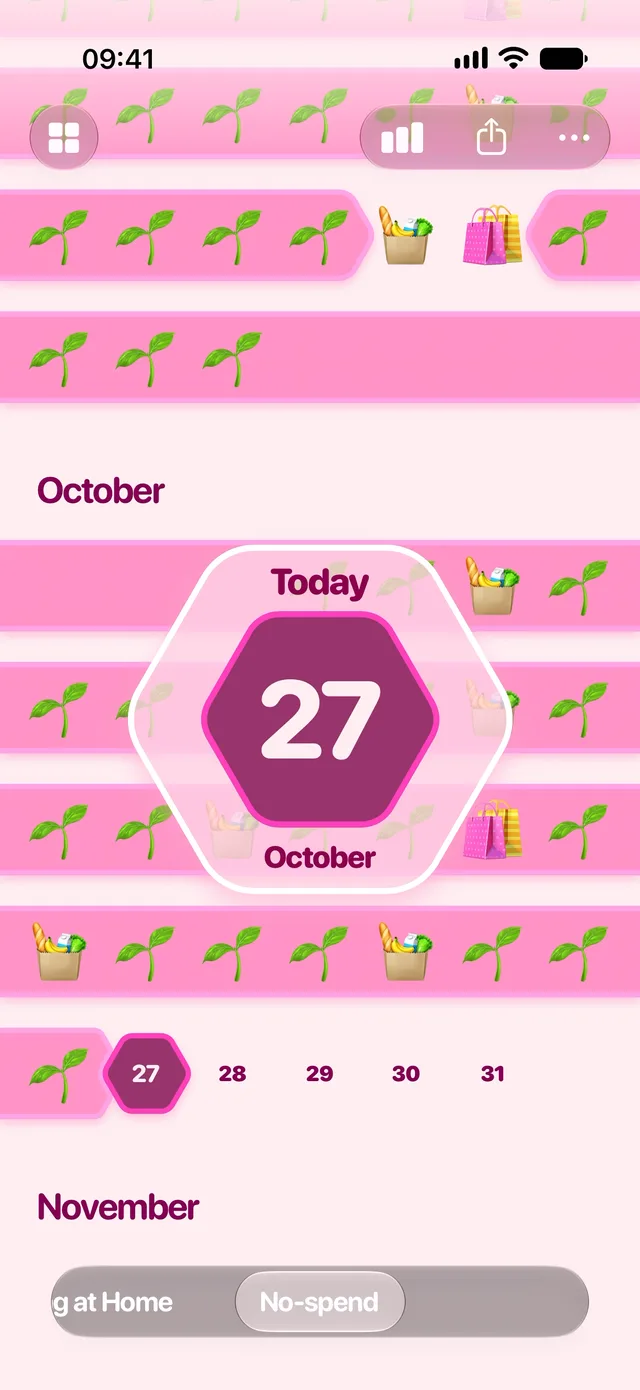
Look & Sound
You can change almost everything
Every routine gets its own look. Start from a photo or a color, and go from there:
- Photo
- Colors
- Dial glass
- Grain
- Bevel
- Border
- Shadow
- Glow
- Blend modes
Same goes for the sound. Every emoji plays its own sound when the dial lands on it. And if none of them are quite right, use a sample of your own.
Share
Share a routine as a file
I thought about building an online gallery for routines, but everything people upload would need moderating. So instead, a routine is just a file.
AirDrop it to a friend, send it in a message or an email, or use your favorite file-sharing platform. It brings its emoji, sounds and look along, and your marked days if you want. No account needed, just sharing the old-fashioned way 💾
And there's more
-
Widgets
Put a routine on your Home Screen.
-
Auto Mark
Let the days fill in automatically, so you only have to mark the exceptions.
-
Yesterday
When you only know the morning after, like how you slept, a routine can focus on yesterday.
-
Private
No account and no tracking. Your days stay on your iPhone.